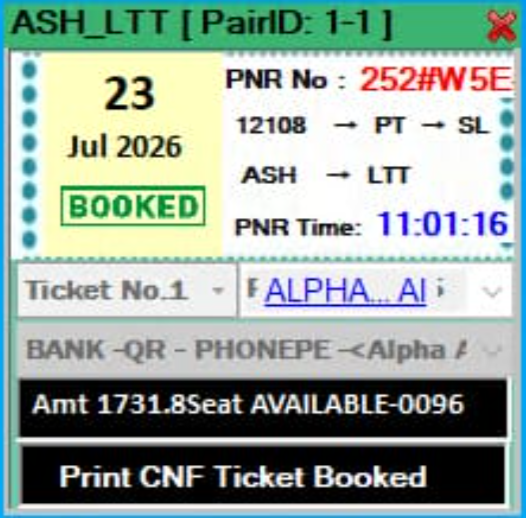
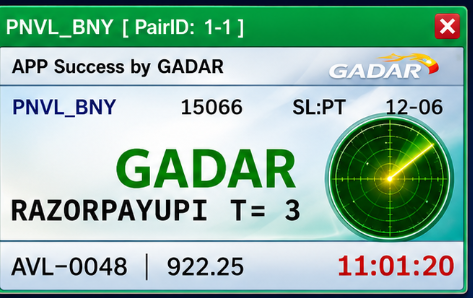
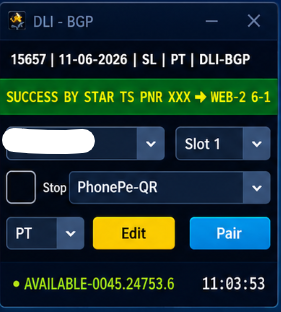
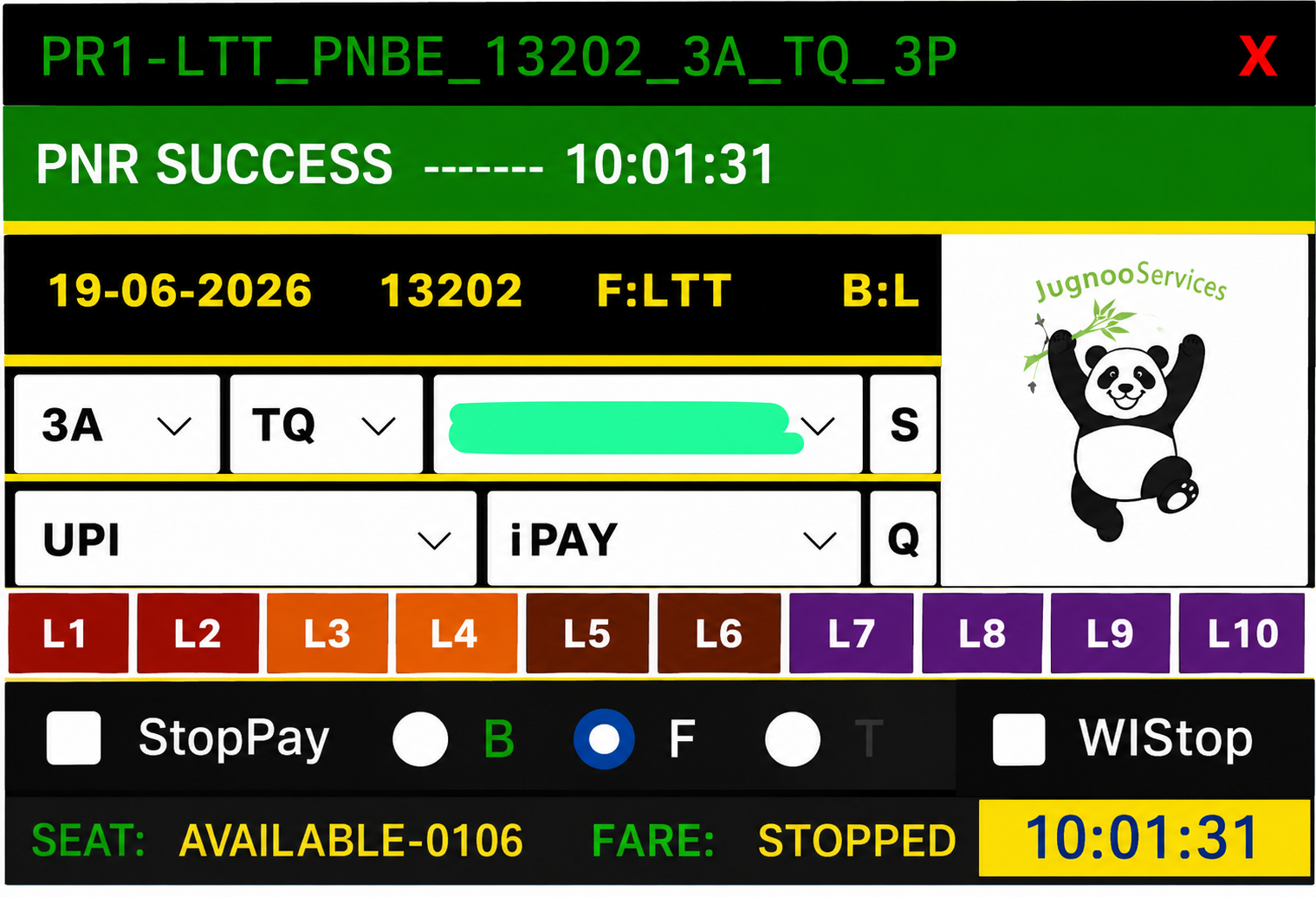
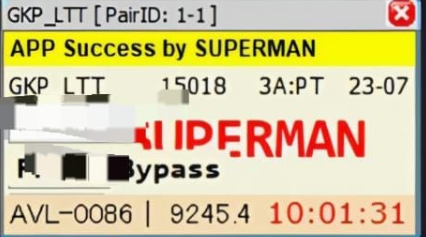
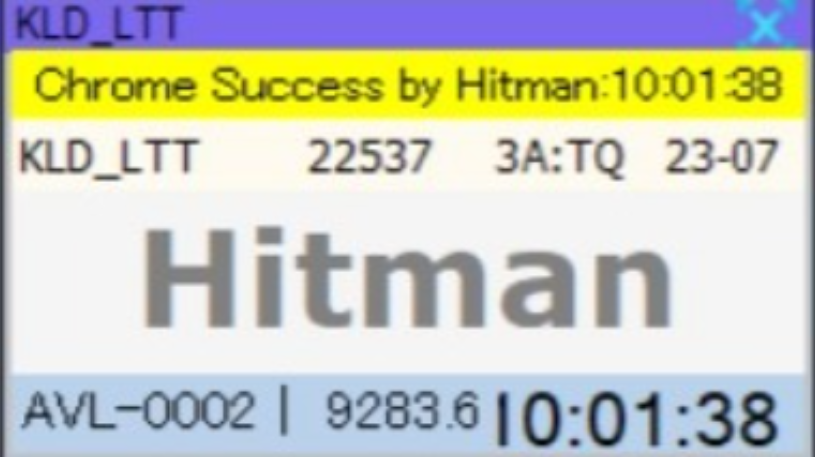
What is Hitman VPS?
Hitman VPS means running Hitman tatkal software on a remote Windows server (IRCTC RDP VPS) instead of your local laptop. You connect via Remote Desktop, install Hitman, enter your license key, and book from the VPS screen.
Customers search hitman vps because they want Hitman software and a working server in one purchase — our tatkal combo deals page lists Hitman + VPS bundles.
Why agents use VPS with Hitman
- Tatkal opens early — VPS stays online if home PC sleeps
- Stable datacenter internet vs home Wi-Fi drops
- Use same setup from phone/laptop via RDP anywhere
- Separate VPS per client ID for reseller agents
Recommended VPS specs for Hitman
Windows Server with RDP, minimum 2 GB RAM for single panel; 4–8 GB for multiple tools or heavy Chrome use. Our combo products often include 8 GB working VPS — popular for Super-Man + VPS and Hitman stacks.
Setup steps after buying Hitman + VPS
- Pay on Tatkal World Software — get Hitman license key + VPS IP/RDP login in My Account
- Connect RDP (port 3389) from your PC
- Download Hitman setup from order page, install on VPS
- Enter license key, log in with IRCTC ID
- Test login before tatkal day — contact WhatsApp with order number if stuck